Navigating everyday payments in Japan can feel unfamiliar at first. Convenience store payments offer a practical option for many routine expenses.
This guide explains bills, online purchases, fees, security, and payment steps. It also covers what to bring, how receipts work, and common questions.
Why Choose 7-Eleven for Bill and Online Payments?
7-Eleven stores are widespread and operate long hours. Their in-store payment services handle certain bills and eligible online purchases without online banking.
How 7-Eleven Payment Services Work in Japan
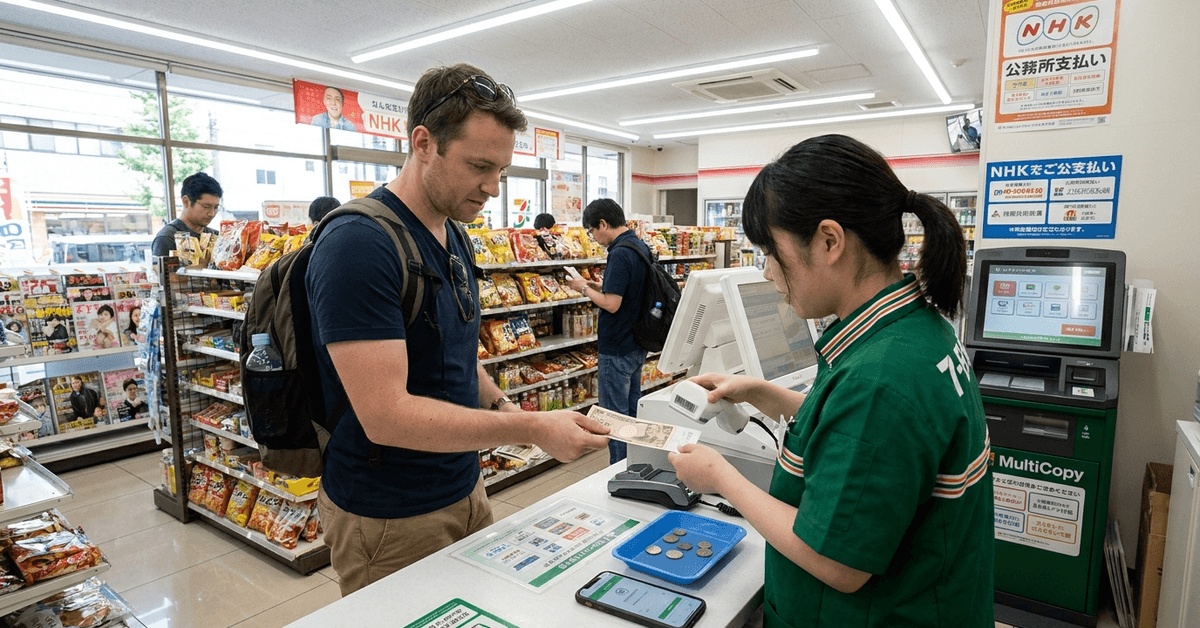
Many 7-Eleven locations process approved bills and online orders at the register. Customers present a barcode or payment slip and use the permitted payment method.
Supported Payments
Eligible payments include household and shopping expenses. Availability depends on the issuer or retailer, so payment instructions should be checked.
- Electricity, gas, and water bills
- NHK broadcast fees
- Municipal taxes or insurance payments where supported
- Eligible online purchases from participating retailers
- Mobile or telecommunications bills
Getting Ready – What to Bring for Bill Payments
Preparation makes the payment process smoother. Customers should bring the required slip, code, and accepted payment method.
Documents and Items Needed
Most transactions require a slip or code linked to the bill or order. The exact payment materials vary by service.
- Pre-printed payment slip for utility bills or taxes
- Order confirmation with barcode or payment number for online shopping
- Cash when the specific payment requires it
- Identification only when requested for a particular transaction
Customers planning to pay bills 7-Eleven Japan should verify the amount and deadline first. A readable barcode helps the cashier process payment quickly. Keep receipts because completed payments can be difficult to reverse.
Step-by-Step: How to Pay Utility Bills at 7-Eleven
The workflow is simple when the bill supports convenience-store payment. Customers should confirm the payment deadline before visiting.
1. Gather Your Payment Slip and Cash
Bring the original slip with a readable barcode or payment number. Check the amount due beforehand. Bring enough cash when required.
2. Approach the Register
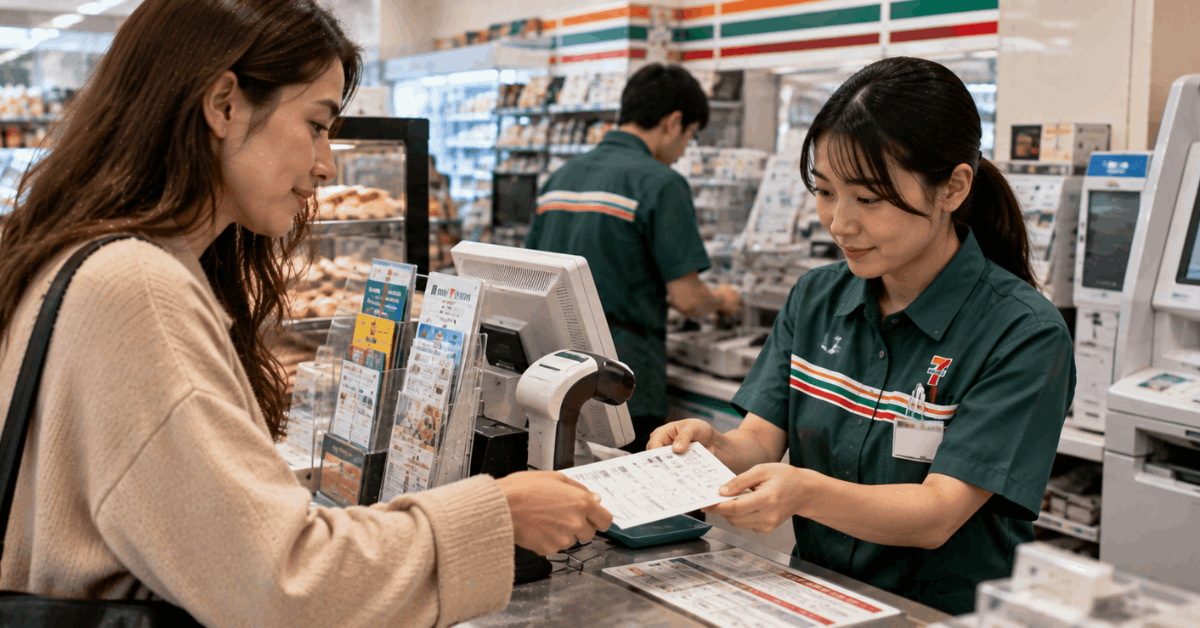
Take the slip to the cashier. Showing the bill payment slip usually indicates what you need. Staff can scan it and confirm the amount.
3. Wait While the Cashier Processes
The cashier scans the barcode and enters required information. The register displays the transaction amount. Customers should confirm that it matches the bill.
4. Pay and Receive a Receipt
Pay using the method allowed for the bill. The cashier provides a payment receipt or stamped copy. Keep it until the payment appears in the issuer’s records.
5. That’s It
No additional forms are normally required. The completed transaction is recorded through the store system. Issuer processing time can still vary.
How to Pay for Online Shopping Orders at 7-Eleven
Some retailers allow convenience-store payment during checkout. This konbini payment can help when card payment is unavailable or not preferred.
1. Select 7-Eleven at Checkout
Choose 7-Eleven when the retailer offers it. Review the payment deadline shown with the order. Not every product supports this method.
2. Wait for Payment Instructions
The retailer usually sends a barcode or payment number after checkout. Save the payment information as instructed. Confirm the expiration time because codes may become invalid.
3. Use the MultiCopy Kiosk When Needed
Some transactions require an in-store terminal. Follow the onscreen instructions if directed to the kiosk. Take the printed slip to the cashier within the stated time.
4. Go to the Register with Your Code or Slip
Present the barcode, phone screen, or slip to the cashier. The staff member processes the online purchase cash payment as instructed. Check the amount before paying.
5. Pay, Collect Receipt, and Wait for Order Processing
Complete payment and keep the store receipt. The retailer receives payment confirmation electronically. Order status may update immediately or after processing.
Tips for a Smooth Transaction
A few habits can reduce delays during store payment visits. Customers should follow retailer instructions and information printed on the bill.
- Check the payment deadline before visiting the store.
- Prepare the required amount and accepted payment method.
- Keep every receipt until the payment or order is fully confirmed.
- Review any in-store instructions or diagrams before using a kiosk.
- Allow for temporary service interruptions or maintenance.
- Contact the bill issuer or retailer if a payment error needs investigation.
Are There Fees for Using 7-Eleven Payment Services?
Fees depend on the specific bill or merchant rather than one universal rule. Utility payments may have no extra store fee, while certain online orders, taxes, or services can include handling charges.
Customers dealing with utility bills Japan should review the printed notice or checkout information for any fee. The total payable amount should be visible before payment. If a charge seems unexpected, the issuer or retailer can clarify it.
Security and Privacy Considerations
Convenience-store payments reduce the need to enter banking information directly into a retailer’s website. Still, customers should protect payment codes and receipts because they may contain transaction details.
Using the official 7-Eleven Japan website can help confirm store services and general information. Customers should avoid sharing personal payment information with unofficial contacts. Receipts should be stored securely until there is no longer a reason to keep them.
Common Questions About Paying at 7-Eleven in Japan
Many customers have similar questions about language support, timing, receipts, and payment methods. The answers below provide general guidance, although individual bill issuers can set different rules.
Which languages are supported at the register?
English ability varies by employee and location. Some kiosks and store instructions provide multilingual guidance. Customers can also rely on barcodes or printed slips when verbal communication is limited.
How soon are payments reflected?
Processing speed depends on the bill issuer or retailer. Some payment records update quickly, while others require additional processing time. Keep the receipt until the account or order clearly shows payment.
What if I lose my receipt?
Replacement options can be limited after a receipt is lost. Customers should contact the bill issuer directly if proof of payment is needed. Providing the date, amount, and store location may help with research.
Can I pay by credit card?
Accepted methods depend on the specific bill or merchant. Many payment slips require cash settlement, even when the store accepts cards for ordinary purchases. Check the instructions printed on the slip or supplied by the retailer.
Conclusion
7-Eleven can make everyday payments easier for customers handling eligible bills and online orders in Japan. The process usually requires a valid slip or code, an accepted payment method, and careful receipt storage.
Fees and processing times vary by issuer or retailer. Checking official instructions before visiting the store supports clearer payment planning and fewer surprises.